
fn
Hold or double-click Fn
Hold Fn for a quick thought, or double-click for hands-free recording when the idea needs more room.
Speak prompts and ideas into Codex, Claude Code, or any app on your Mac. Wordmate turns them into text with fast open-source models that are free, local, and never send your voice to the cloud.
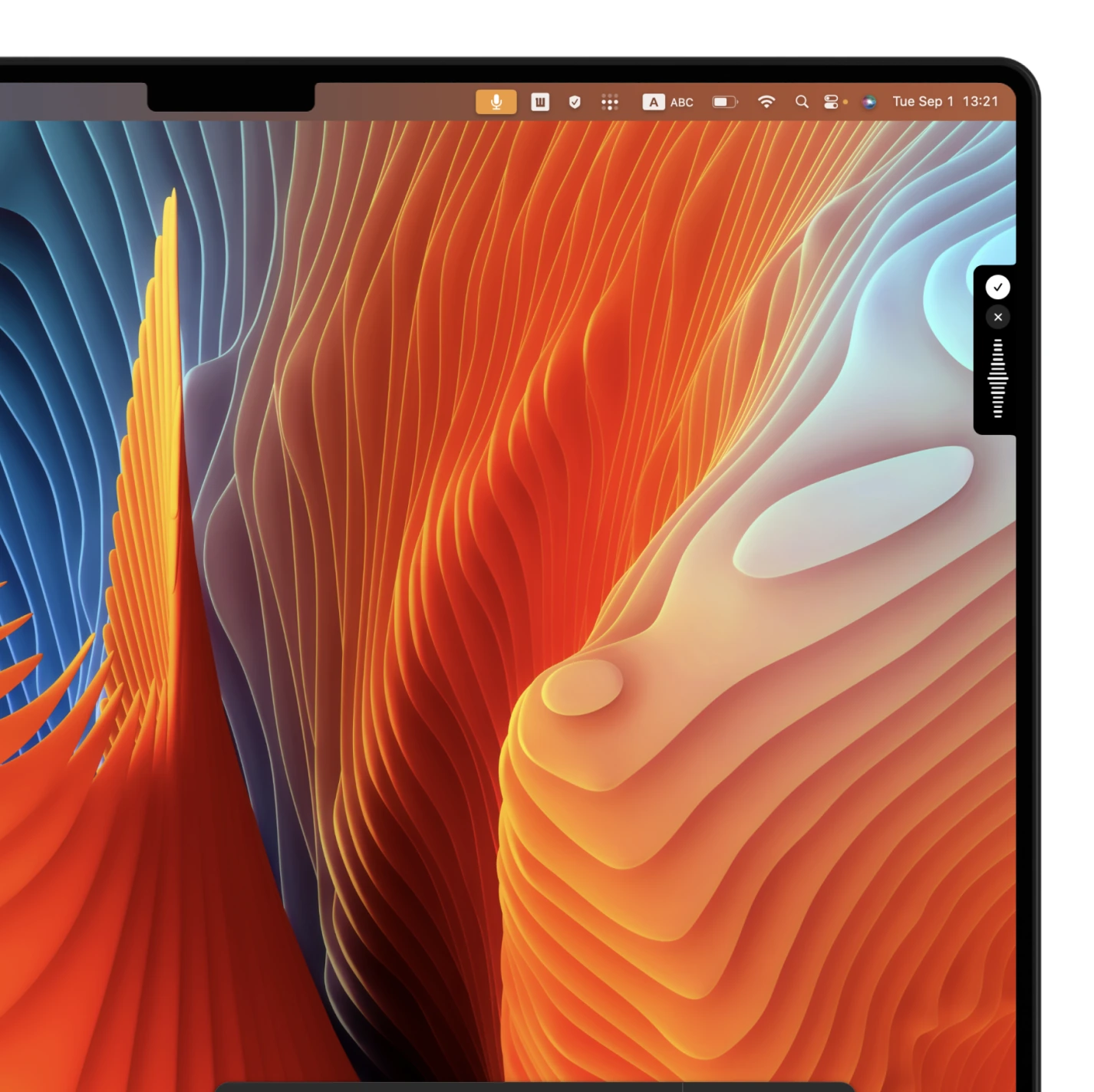
Wordmate waits in your menu bar, ready for a quick reply or a long coding prompt.
Hold Fn for a quick thought, or double-click for hands-free recording when the idea needs more room.
Think out loud, even with pauses and filler words. Wordmate turns it into clean text.
Release Fn, or press it once more, and the finished text appears wherever you were typing.
From a one-line fix to a full implementation brief, say it while the thought is fresh.
Your audio goes from the microphone straight to a model on this Mac. It is never uploaded.
Parakeet runs natively on Apple silicon, keeping pace with your train of thought.
Fast open-source speech and language models run natively on Apple silicon, so everything stays entirely on your Mac.
No subscription, credits, paid tier, or usage meter. Download once and use it freely.
Speak prompts, implementation context, and review notes into Codex, Claude Code, your terminal, or editor.
GDPR, HIPAA, SOC 2—what else? Your voice never leaves your Mac, so privacy is covered by default.
Local models use hardware you already own, so there is nothing to meter and nothing to charge by the minute.
Use Wordmate every day without a plan, trial, or upgrade screen.
Long thought or quick reply, there are no minutes or credits to count.
Install it, choose raw or cleaned-up output, and start speaking. No sign-up required.
Yes. Wordmate pastes into the field that is focused, so it works anywhere normal paste works, including Codex, Claude Code, terminals, editors, and browsers. Every transcript is also copied to your clipboard.
Both offer quick, system-wide voice typing. Wordmate runs entirely on your Mac and has no cloud account or subscription.
No. Recording and transcription happen locally on your Mac. Temporary audio is deleted after the transcript is produced.
The first release is for Apple silicon Macs running macOS 14 or newer. A Mac with 16 GB of memory is a comfortable target, although it can run with less.
Wordmate uses Parakeet TDT v3 through Core ML. Qwen3 model is used for post-processing the transcription before it is pasted or copied to your clipboard.
Yes. There is no subscription, trial countdown, usage allowance, or account. Use it as much as you like on hardware you already own.
For Apple silicon Macs running macOS 14 or newer. Free, local, and yours.
Download for Mac